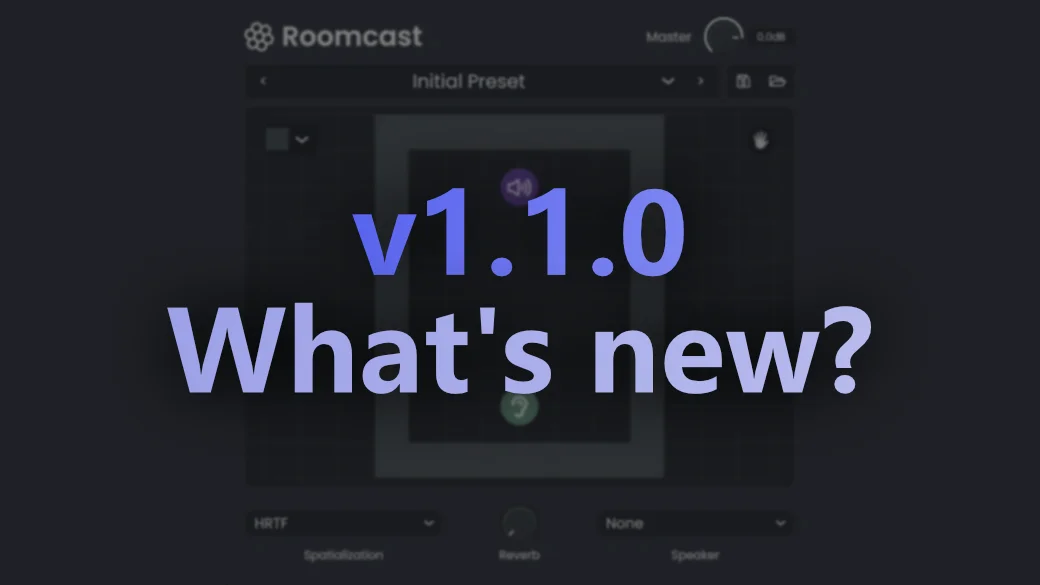
Roomcast version 1.1.0 is here with custom HRTF loading and a key bug fix that improves how the plugin handles open environments. Here’s what changed.
New Features
Custom HRTF Loading
You can now load your own HRTF profiles into Roomcast using standard SOFA files. This means you can swap in a personalized head-related transfer function that matches your own ears, or use one from a public database, for more accurate spatial imaging.
To load a custom HRTF:
- Set the Spatialization dropdown to HRTF.
- Press ‘V’ to open the HRTF dropdown menu.
- Select your .sofa file from the file browser.
Once loaded, Roomcast will use your custom profile for all HRTF processing until you switch back to the built-in default.
Bug Fixes
Open Environment Audio Fix
Fixed a bug where audio could behave unexpectedly when the source or listener was placed outside of a fully enclosed room. Roomcast now handles open and semi-open environments correctly, so you can design outdoor scenes or partial enclosures without running into issues.
Get the Update
Roomcast 1.1.0 is available now. If you already own Roomcast, you will be prompted to download the update the next time you open the plugin. Otherwise, you can purchase Roomcast here.